Desktop Software

SoftwareThat Works.

High-performance desktop applications engineered around your users' needs — reliable, secure, and deeply integrated with the systems they rely on.

WindowsmacOSLinuxInstallersAuto-UpdateCustom Tools
What We Build

Software Types We Deliver

Every application is a deep specialty — from Windows productivity tools to macOS and Linux products, all built for performance and reliability.

6 core services

Windows Desktop Apps

Reliable Windows applications with system tray, hardware access, and clean MSI/MSIX packaging for managed fleets.

macOS Applications

Polished macOS apps with a familiar feel, menu bar support, Spotlight integration, and notarized distribution.

Linux & CLI Tools

Command-line tools, daemons, and Linux GUI apps for developer and power-user audiences who live in the terminal.

Productivity Software

Purpose-built productivity tools for internal teams — project trackers, time loggers, file processors, and more.

Offline-First Apps

Desktop apps with local SQLite storage, conflict-free sync, and full offline capability for unreliable networks.

Distribution & Signing

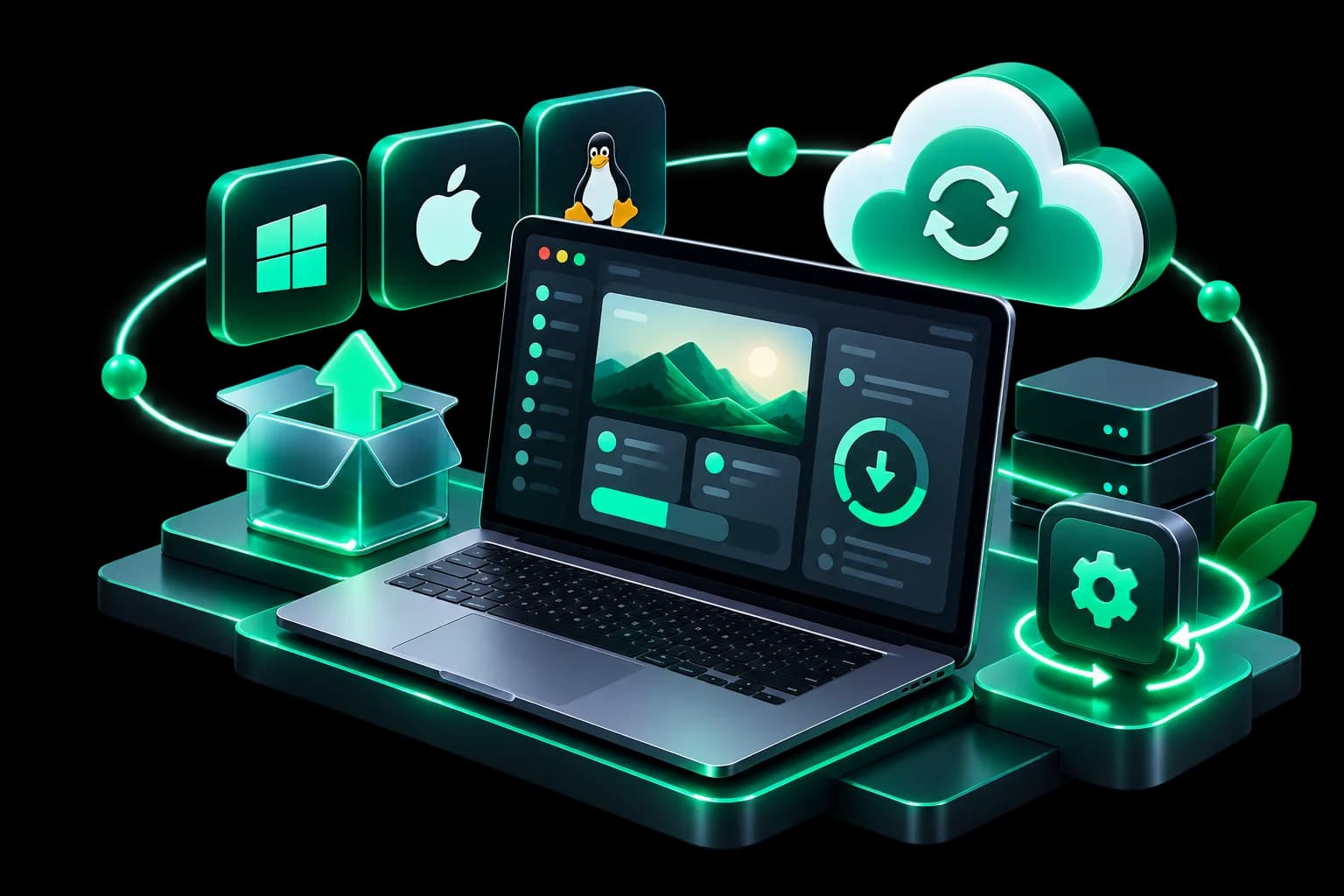
Code signing, auto-update infrastructure, crash reporting, and distribution via stores or custom deployment channels.

Built for the Desktop

Built Around Your Users,
On Every Platform

We start from your product and user requirements — how it needs to perform, integrate, and scale — then shape the experience around each platform. Windows, macOS, and Linux each get interactions and system integration tuned to how people actually work.

Responsive, low-latency interfaces with smooth, considered interactions
Polished macOS apps with system integration and notarized distribution
Linux GUI and CLI tools that fit developer and power-user workflows
Reliable delivery on every platform your users rely on
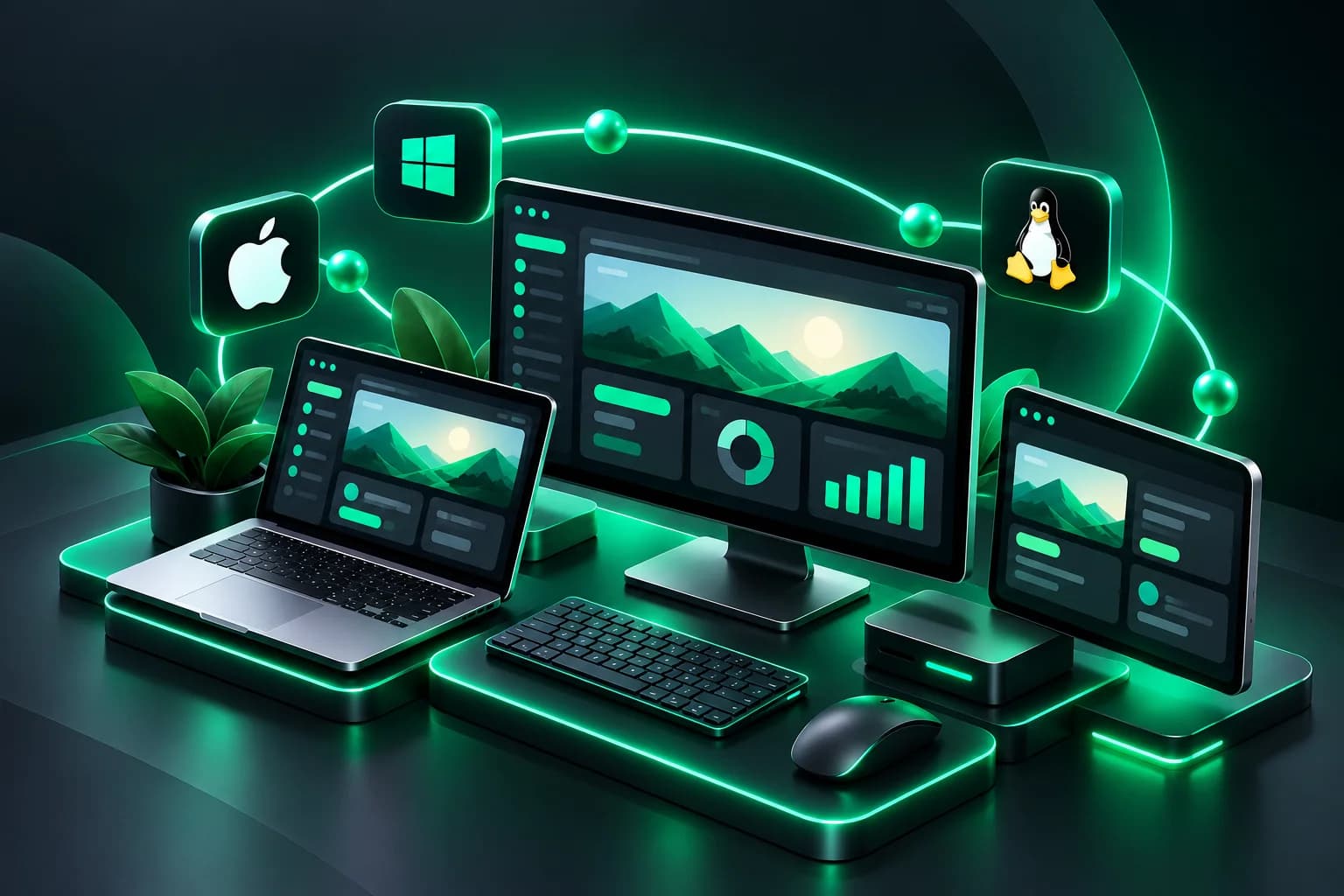
Desktop application with deep operating-system integrations
Offline First

Full Power,
With or Without the Internet

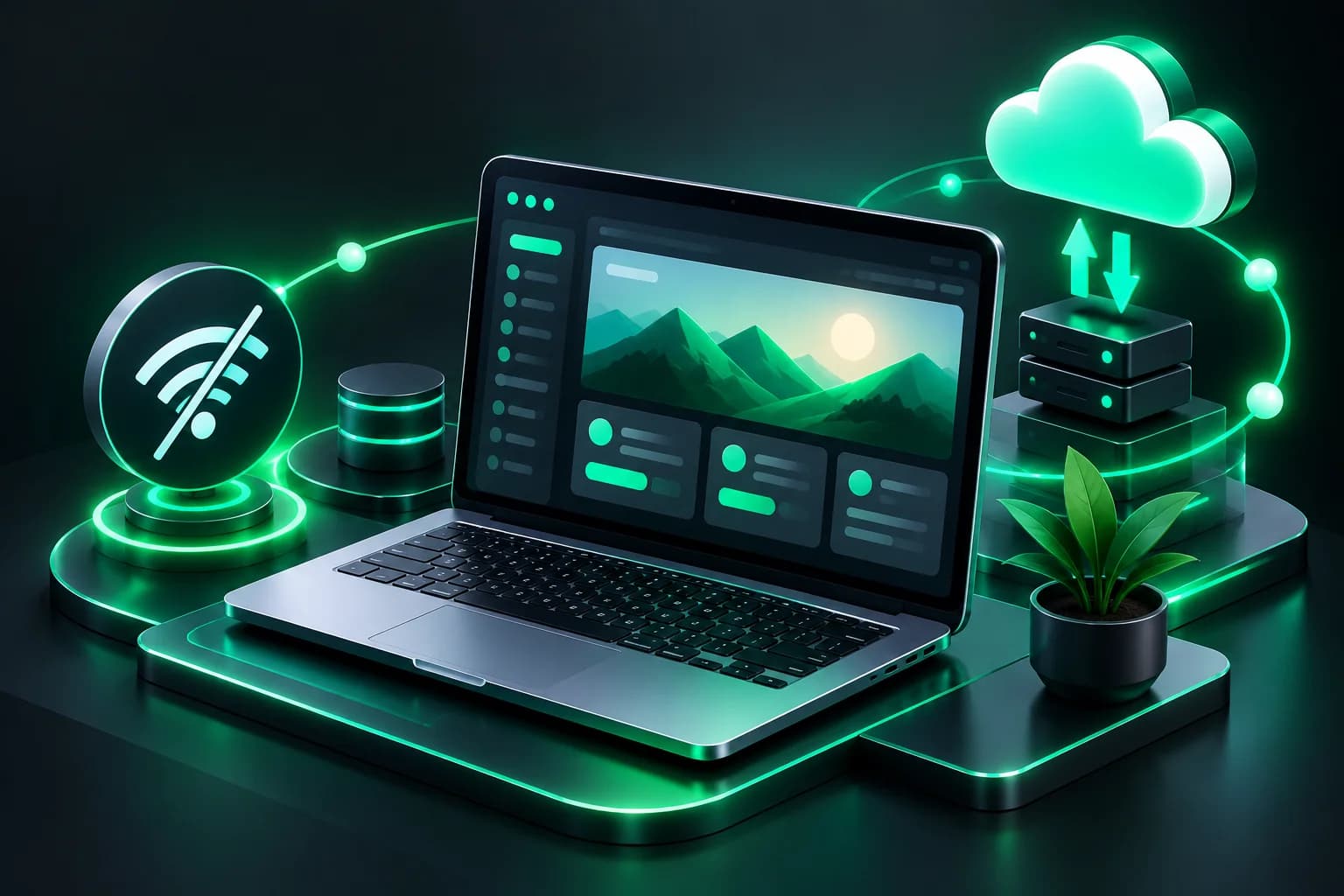
A desktop application keeps working when the network doesn't. Local databases, file system access, background processing, and conflict-free sync keep your product available, fast, and productive — online or off.

Local SQLite & DuckDB storage
Conflict-free background sync
Multi-threaded processing
Full file system access
Fully functional offline — no internet required
Desktop app working fully offline with signed, auto-updating distribution
Deep Dive

What's Inside Every Product

Every feature engineered for desktop — from deep OS integration to offline-first architecture and auto-updating distribution.

Windows, macOS & Linux

Purpose-built for each OS — system APIs, platform integrations, and UX that feels right at home.

Every Target Platform

A polished product on every target OS — menus, file system, tray icons, and system notifications.

Offline-First & Local Storage

Local databases, conflict-free sync, and full offline capability — your app works without internet access.

Code Signing & Auto-Update

Signing for Windows, macOS, and Linux. Auto-update infrastructure with staged rollouts and instant rollbacks.

Crash Reporting & Monitoring

Real-time crash reporting, performance monitoring, and user analytics integrated into every desktop application.

Security & OS-Level Integration

File system access, hardware APIs, biometric auth, and deep operating-system integration for demanding work.

Ship Software ThatFeels Effortless

We build, sign, and ship desktop apps for Windows, macOS, and Linux — with auto-updates and offline-first data baked in.

Desktop application running across Windows, macOS, and Linux
Why Desktop

What You Gain

Desktop applications that deliver performance, reliability, and deep OS integration your users can count on.

Full OS Integration

System tray, file system, hardware access, and deep operating-system integration.

Works Offline, Always

Fully functional without internet — local storage, background processing, and conflict-free sync when connected.

Peak Performance

Direct hardware access, multi-threading, and optimized memory usage for resource-intensive tasks.

Auto-Updates & Distribution

Seamless updates, code signing, and distribution through stores or your own infrastructure.

Powered by Desktop Leaders

WindowsmacOSLinuxMSIX PackagingAppImageFlatpakSnapInstallersCode SigningNotarizationMicrosoft StoreMac App StoreHomebrewAuto-UpdateCI/CDSQLiteDuckDBLocal StorageConflict-Free SyncOffline ModeMulti-ThreadingLow LatencyMemory EfficiencyFile System AccessSystem IntegrationAccessibilityKeyboard ShortcutsEncryptionBiometric AuthCrash ReportingMonitoringTelemetryEnterprise DeploymentSentry
Our Process

How We Build Desktop Apps

A proven process for delivering polished desktop applications across Windows, macOS, and Linux.

01

01

Spec

We define OS targets, hardware requirements, and system integrations. Architecture decisions made before a single line of code.

02

02

Prototype

Working prototypes with a polished look and feel — system tray, menus, notifications, and platform-specific interactions validated early.

03

03

Build

Agile development with CI/CD across all target OSes. Automated builds, code signing, and packaging for each platform.

04

04

Ship & Support

Distribution setup, auto-update configuration, crash reporting, and ongoing support. We stay with you after launch.

Ready to Build

Let's Build YourDesktop App.

Tell us about your desktop application idea. We'll respond within 48 hours with a clear path forward — no fluff, no pressure.

< 48h Response
3 OS Targets
Code Signed
Production Ready